WDivision
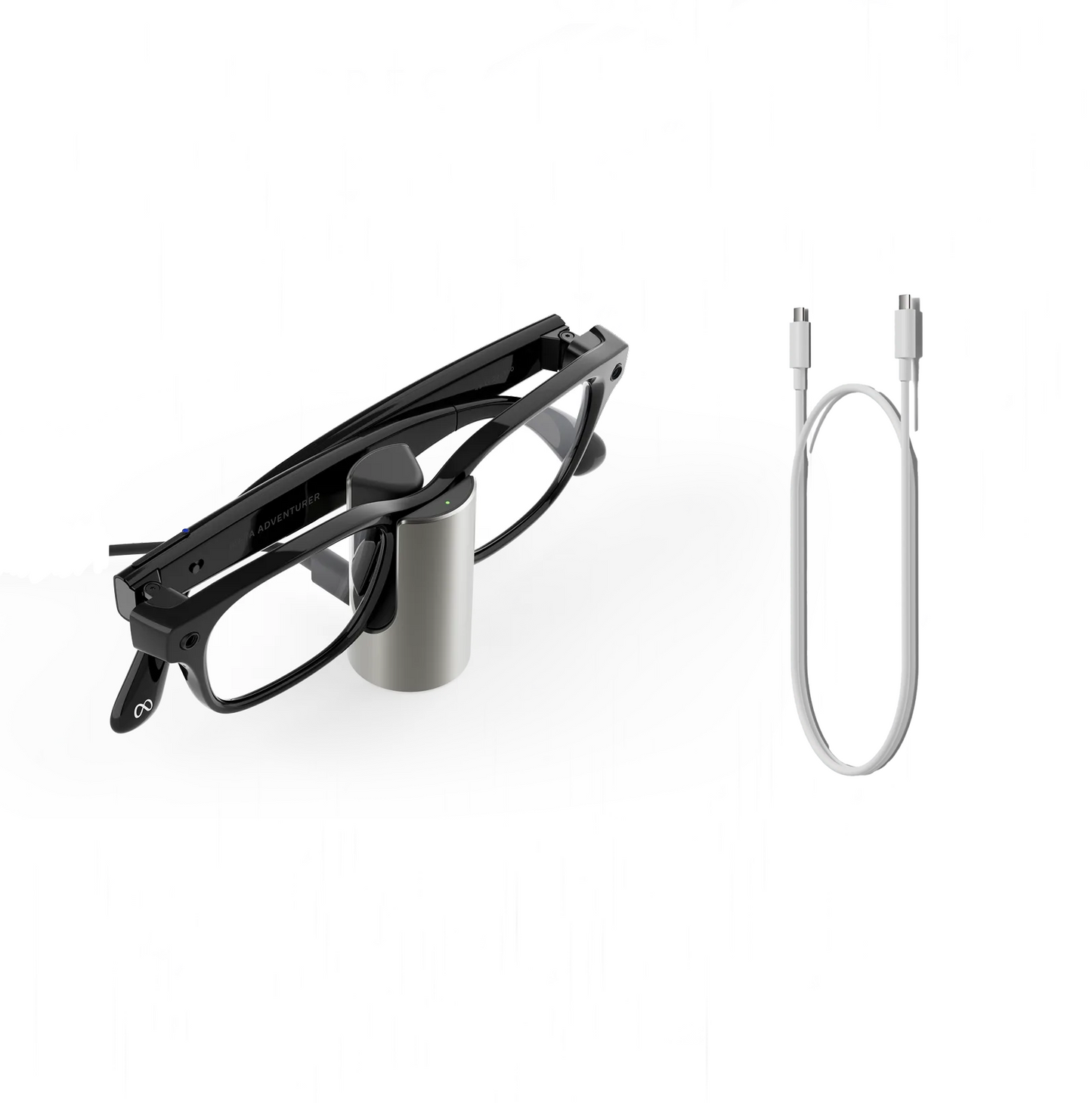
Official Meta Glasses Charging Stand - Ray-ban Wayfarer Skyler Headliner Blayzer Scriber Fury Adventurer / Oakley HSTN
Official Meta Glasses Charging Stand - Ray-ban Wayfarer Skyler Headliner Blayzer Scriber Fury Adventurer / Oakley HSTN
Couldn't load pickup availability
Official product supplied by META.
-1 Year direct warranty from META.
=================
Credit card payment available.
We accept Credit Card and Buy Now Pay Later installment.
GRABPAYLATER
-4 months
-8 months
-12 months
ATOME
-3 months
-6 months
=================
Get a full charge in just over an hour with this sleek, compact accessory that offers quick and convenient desk or bedside charging for your AI glasses.
-Fully charged in just over an hour; 50% charged in 20 minutes
-Stainless steel metal shell; silicone rubber footpad
Do I need to plug in the Meta Glasses Charging Stand?
-Yes. To power the charging stand, simply connect a USB-C cable (not included) to the charging port and a power source.
What is the full charge of each pair of AI glasses?
-“Fully charged” is based on each individual device’s battery life:Ray-Ban Meta Gen 1: Up to 4 hours
-Ray-Ban Meta Gen 2: Up to 8 hours
-Ray-Ban Meta Gen 2 Optics: Over 8 hours
-Oakley Meta HSTN: Up to 6 hours
-Meta Glasses: Over 8 hours
How do I know if the Meta Glasses Charging Stand is charging?
-The LED light at the top of the stand will turn orange and stay on while your glasses are charging. Once they’re fully charged, the light will turn green.
You’ll also see this on the Meta AI App. A lightning bolt icon will appear on the Devices Tab when your glasses are charging.
Which AI glasses are compatible?
-Compatible with:
Ray-Ban Meta Wayfarer, Ray-Ban Meta Skyler, Ray-Ban Meta Headliner, Ray-Ban Meta Blayzer Optics, Ray-Ban Meta Scriber Optics, Oakley Meta HSTN, Meta Fury, Meta Adventurer, Meta Starfire.
-Not compatible with:
Meta Ray-Ban Display or Oakley Meta Vanguard.
How do I set up my Meta Glasses Charging Stand?
-Place the charging stand on a flat, stable surface like a desk or nightstand.
-Connect a USB-C cable to the port on the charging stand.
-Plug the other end of the cable into a wall adapter or powered USB port.
-The LED on the stand will briefly light up white to confirm it's powered on.
Does the Meta Glasses Charging Stand come with a cable?
-No. The Meta Glasses Charging Stand includes the stand accessory only. A USB-C cable and wall adapter are not included and can be purchased separately
NOTE :
No return/refund after item seal has been broken / item has been used.
No return/refund for manufacturing defects, dead pixels, etc
Share